Meeting scheduling
Your own booking link: prospects pick a free time right in your calendar.
Created for free, with your logo, name and photo. Share it as a link or embed it on your website via iFrame.
This is what your booking page looks like
Example
Julia Brandt · Sales
Intro call
- 30 minutes
- Google Meet
December
Google and Microsoft calendars
Elevator pitch
Enter your website and we show how we solve this for you.
See which target groups and decision-makers fit your offer.
Embed it on your website
Turn on embedding for the link, copy the code, paste it into your page.
<iframe src="https://book.sales-automation.ai/your-name/intro-call" width="100%" height="700" frameborder="0" style="border:0;"></iframe>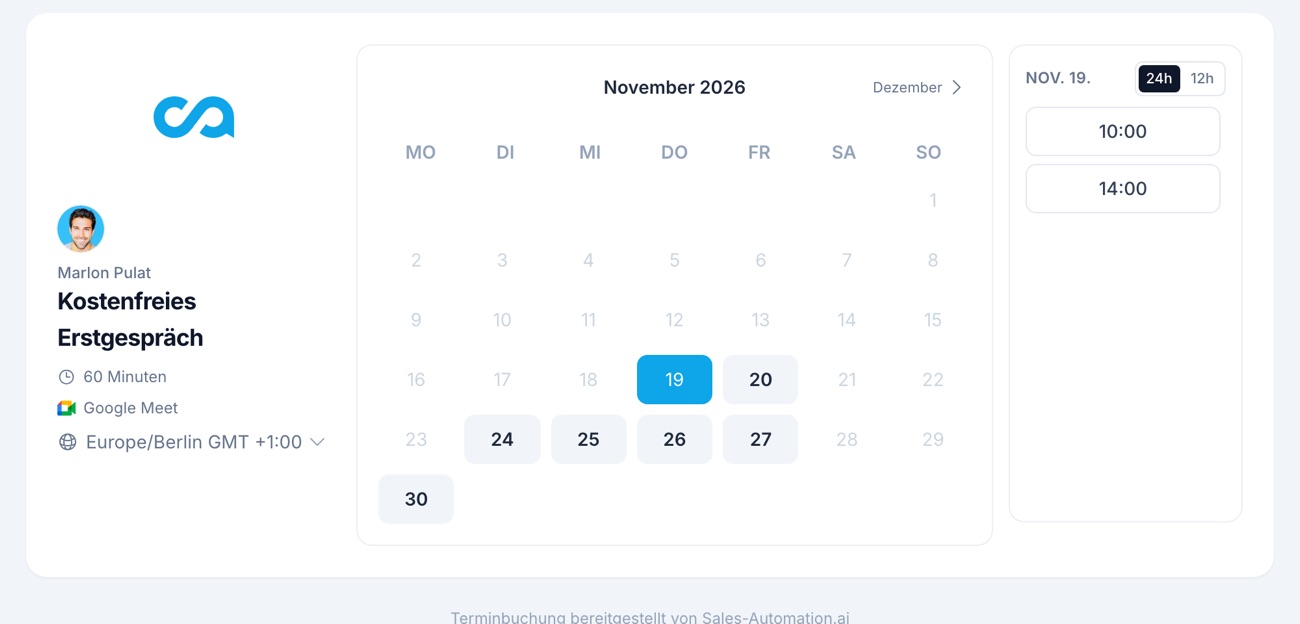
In three steps.
1. Connect your calendar
ExampleConnect your work calendar
OAuth 2.0 · No passwords storedGoogle CalendarGoogle Workspace ConnectedConnected as
julia@kupferbach.de
Last synced: today, 09:12
Calendar
julia@kupferbach.de (Primary)Microsoft CalendarMicrosoft 365 ConnectedConnected as
julia@talwind.de
Last synced: today, 09:12
Calendar
Calendar (Primary)Recreated view with made-up data.
- Google or Microsoft
- Only free times are offered
2. Set up the link
ExampleIntro call
book.sales-automation.ai/julia-brandt/intro-call
BasicsDuration (minutes)
30Location
Google MeetGoogle MeetMicrosoft TeamsGoogle Meet is not available when Microsoft Calendar is selected.
AvailabilityOverride default availability
Buffer before (minutes)
15Buffer after (minutes)
15Minimum notice (hours)
12Booking formCustom questions
Add questionCompanyRequiredShort textPhoneOptionalPhoneWhat should we talk about?OptionalLong text- Duration, buffer, notice
- Questions for the guest
- Google Meet or Teams
3. Use the link
- In campaigns as {meeting_link}
- In replies from the inbox
- On your website
A yes is not a meeting yet.
ExampleWithout a booking link
Jana replies that she is open to a call. Three emails later, no time fits. The topic goes cold.
With a booking link
Your reply contains the link. Jana picks a free time and confirms. Both have it in their calendar, a reminder follows.
Set it up yourself
Your first booking link, with your calendar.
Sign up, connect your calendar, share your link.
One link for the whole team.
Bookings are shared round robin. You decide who comes first.
- Round robin
- Each booking goes to a free person.
- Priority
- Five levels, higher first.
- Weighting
- Some get more meetings.
- Balance
- Per day or per month.
You see where every meeting came from.
The source is stored with the booking. Only real bookings count, not suggestions.
- utm_source
- utm_medium
- utm_campaign
- utm_content
- utm_term
- Referrer
- Landing page
Frequently asked questions
Which calendars can I connect?
Google and Microsoft. Only times when you are free there are offered.
Which video conferencing is used?
Google Meet or Microsoft Teams, per link. With a Microsoft calendar, there is no Google Meet.
How does team distribution work?
A team link shares bookings round robin, by priority and weighting, balanced per day or month.
What does the guest see?
Your logo, name and photo, title, duration and free times in their time zone. Then name, email and your questions.
What happens after booking?
Both get a calendar invite. The guest is reminded 7 days and 24 hours before, switchable per link, and can reschedule or cancel via a link. A webhook can notify your systems.
How do I see where a meeting came from?
UTM parameters, the referring page and the landing page are stored with the booking.
Try it live
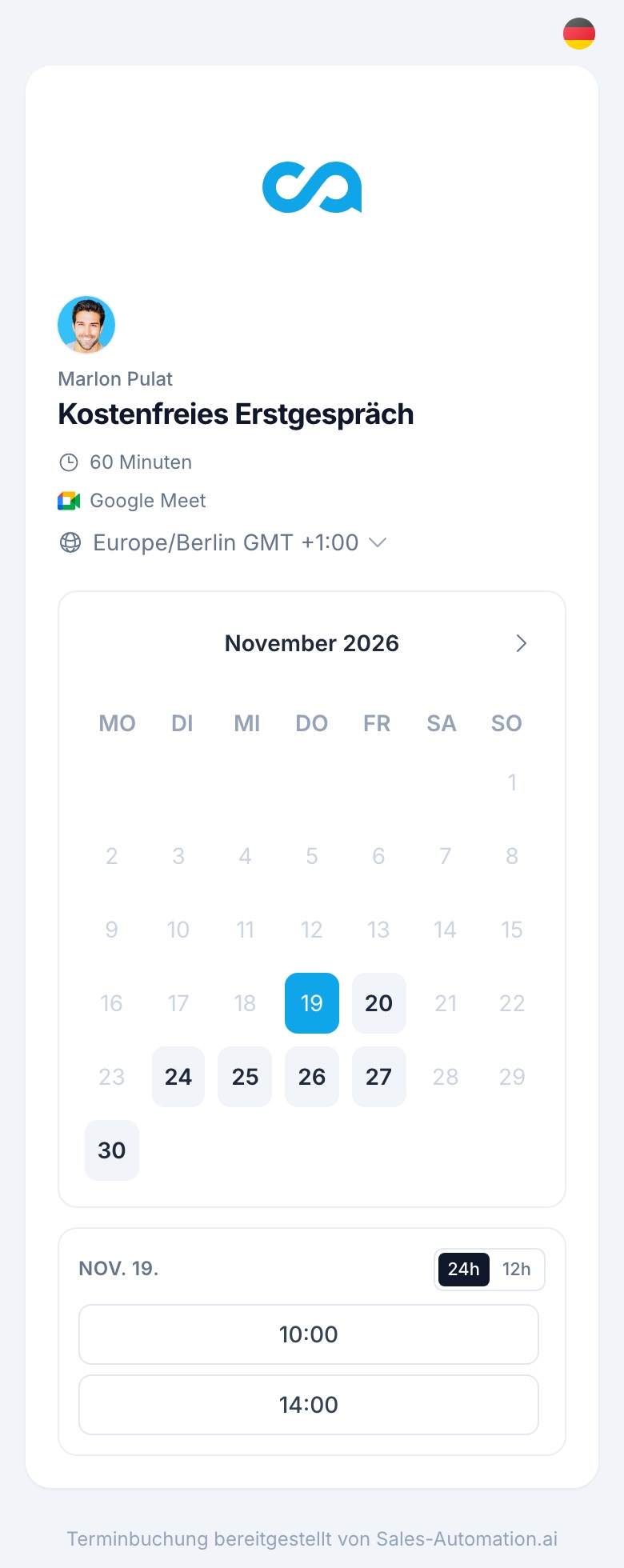
This is how your customer books. Try it.
This calendar is our own booking page. Pick a time and talk to us about your sales.
What you get from the call
- An assessment of which target groups fit your offer best.
- A look inside the platform using an example from your industry.
- A concrete proposal for the next steps, with no obligation.

Marlon Pulat
Head of Growth